Last month we shipped AI routing rules — a way to automatically send the right lead to the right rep based on real-time signals. Here's a tour of how it works and how to set it up.
What problem it solves
Most teams route leads using rigid logic: round-robin, territory-based, or 'whoever picks up first'. None of these account for context. A high-intent enterprise lead and a curious student get the same treatment.
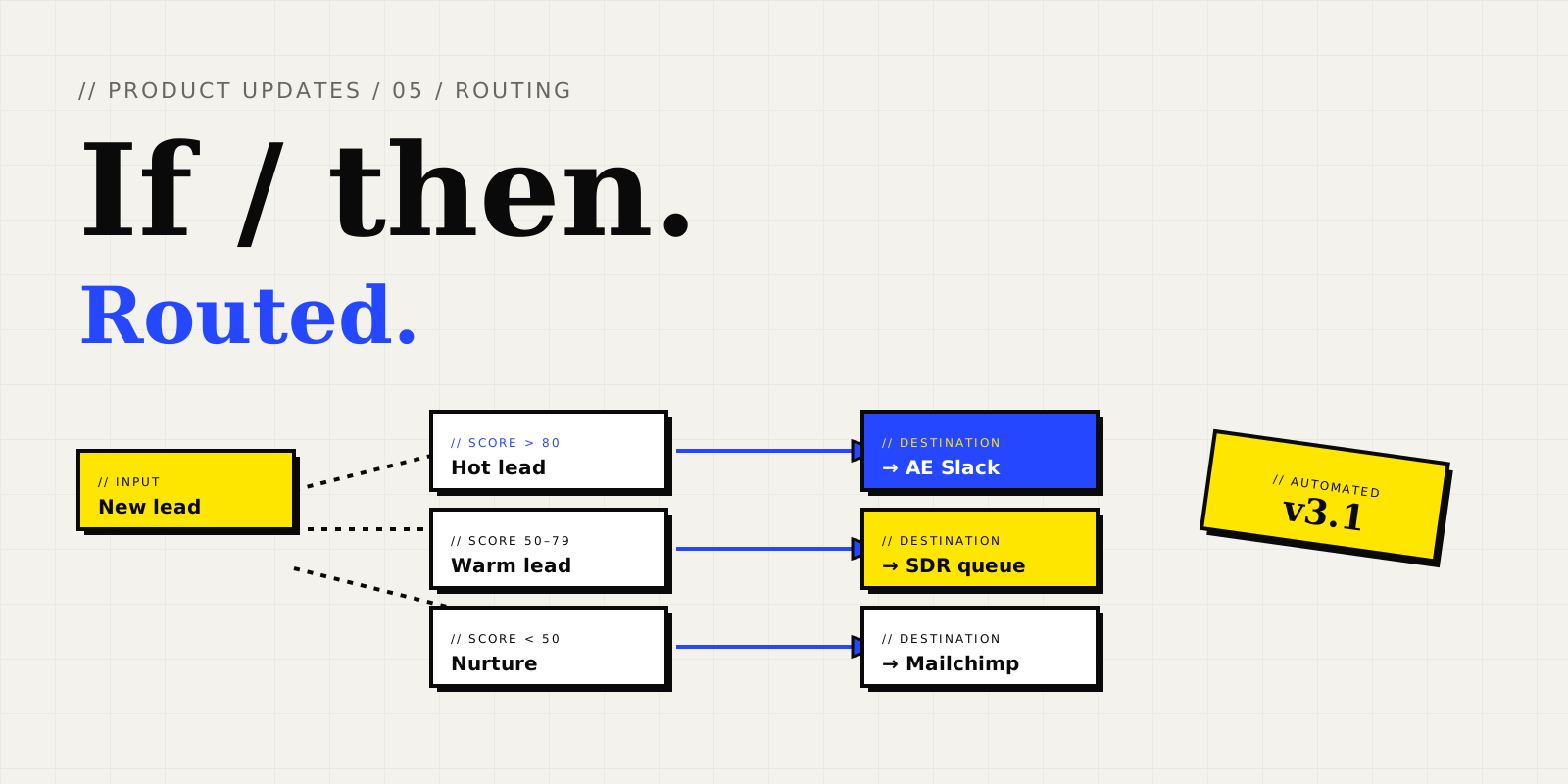
AI routing rules look at the full conversation context — company size, intent, source, and stated needs — and assign each lead to the rep most likely to close them.
Setting up your first rule
- Open the dashboard and go to Chatbots → Routing
- Click 'New rule' and pick a trigger (e.g. 'Score > 80')
- Choose the destination: a teammate, a Slack channel, or a CRM queue
- Save and publish
Combine with integrations
Routing rules become magical when paired with our HubSpot, Salesforce, and Slack integrations. You can route leads into specific CRM queues, ping reps in Slack with full context, or trigger Zapier workflows for custom downstream actions.
For a more in-depth walkthrough, see our routing rules guide or the changelog entry where we shipped it.